Freestyle Project
# Quick Setup
This guide provides the essential steps to create a freestyle project. For detailed examples, see: Tutorial(opens new window).
# Create Project
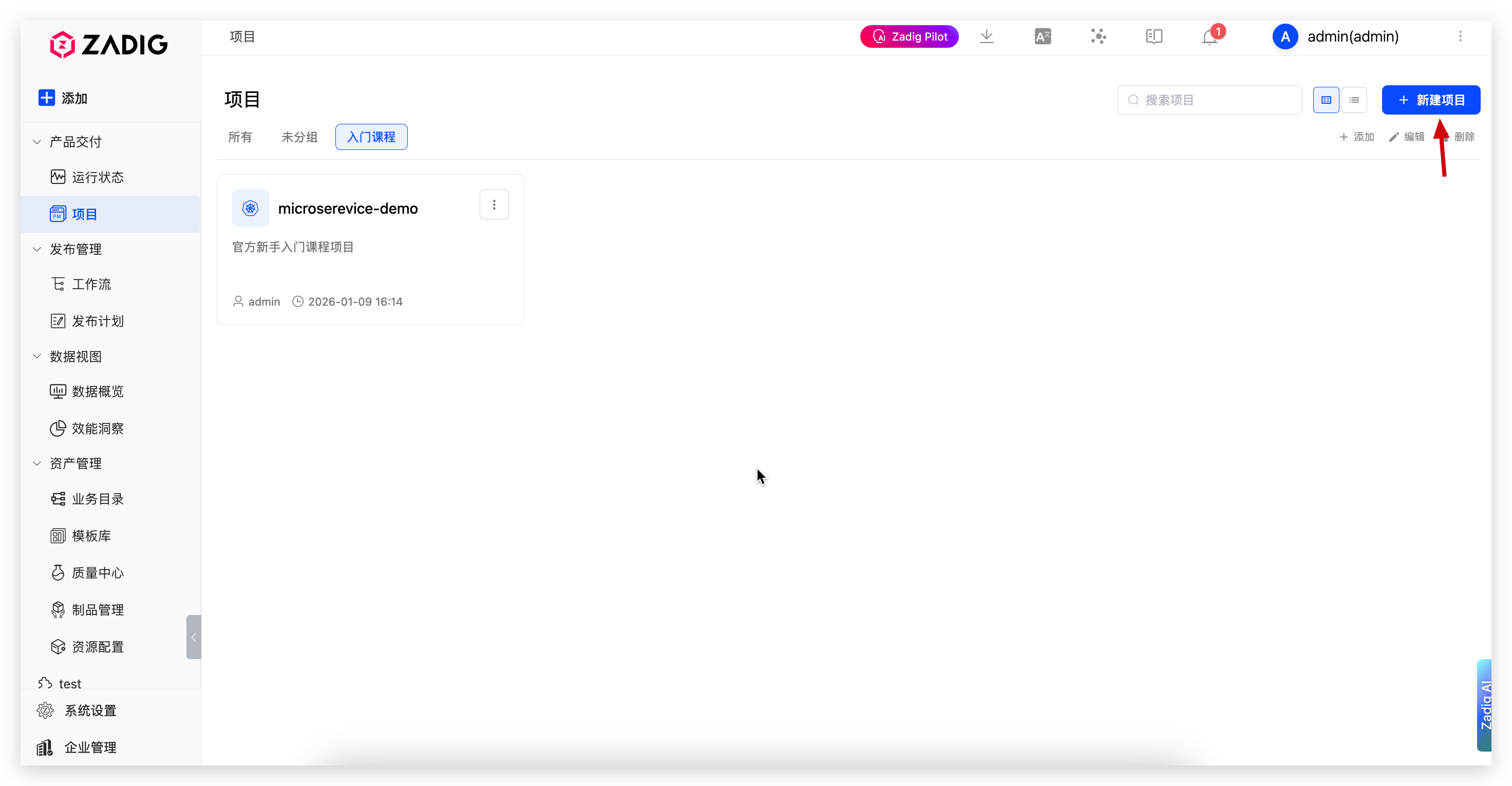
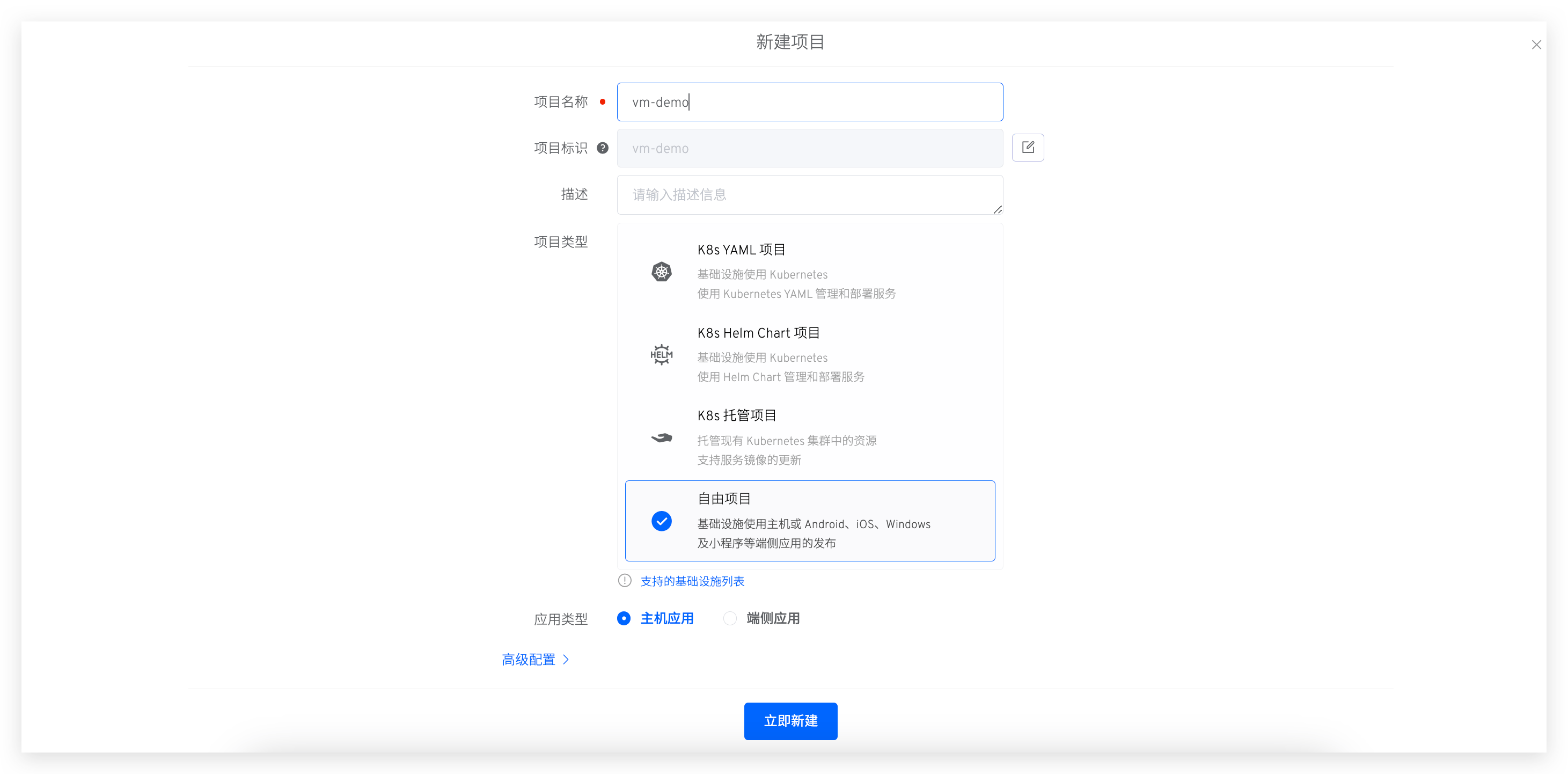
Go to "Project" → "New Project", enter the project name, select Freestyle Project, and choose VM.
# Configure Services
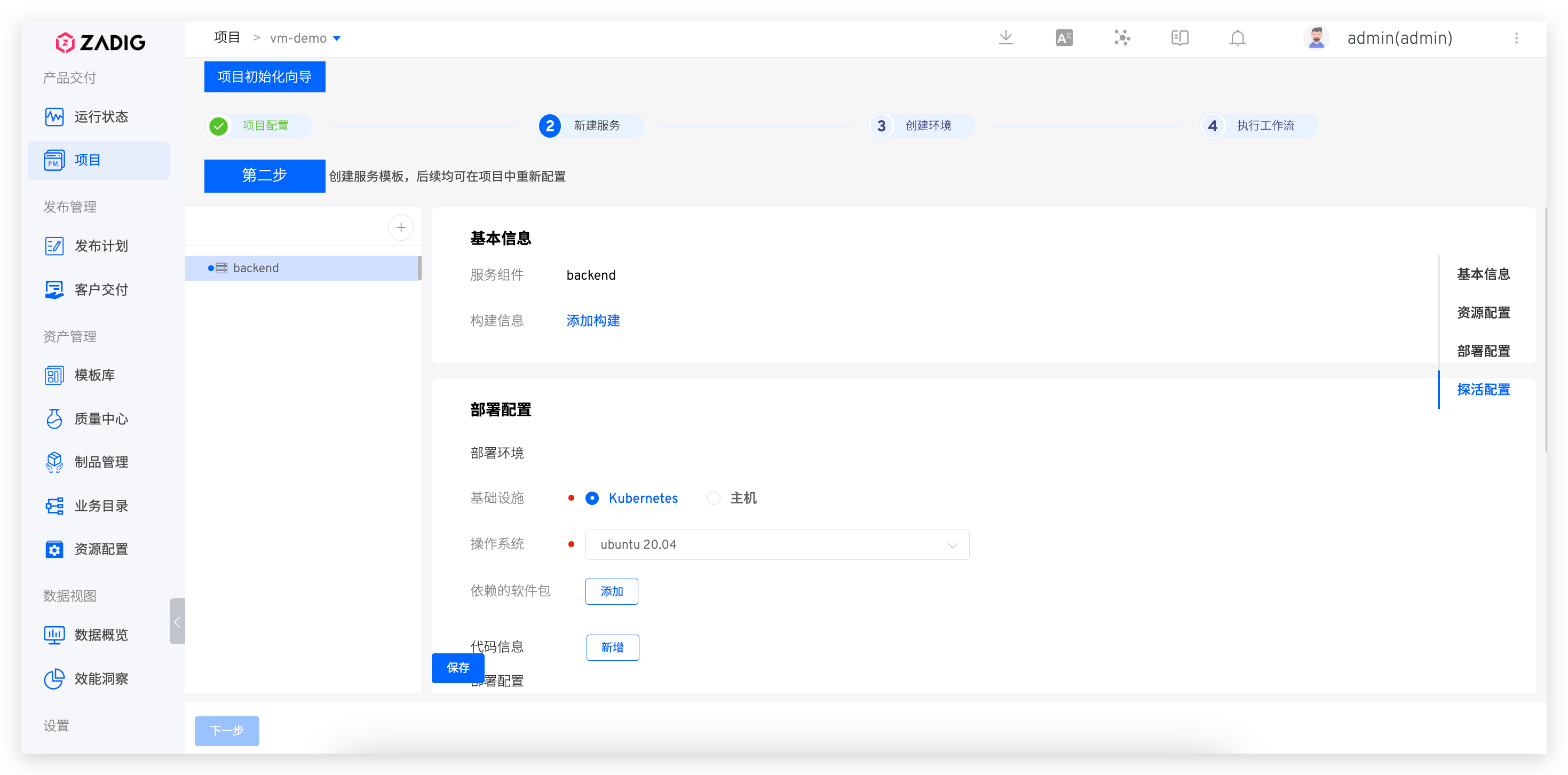
Click the + button to enter service name. Configure build, deployment, and health check settings.
See Host Service for configuration details.
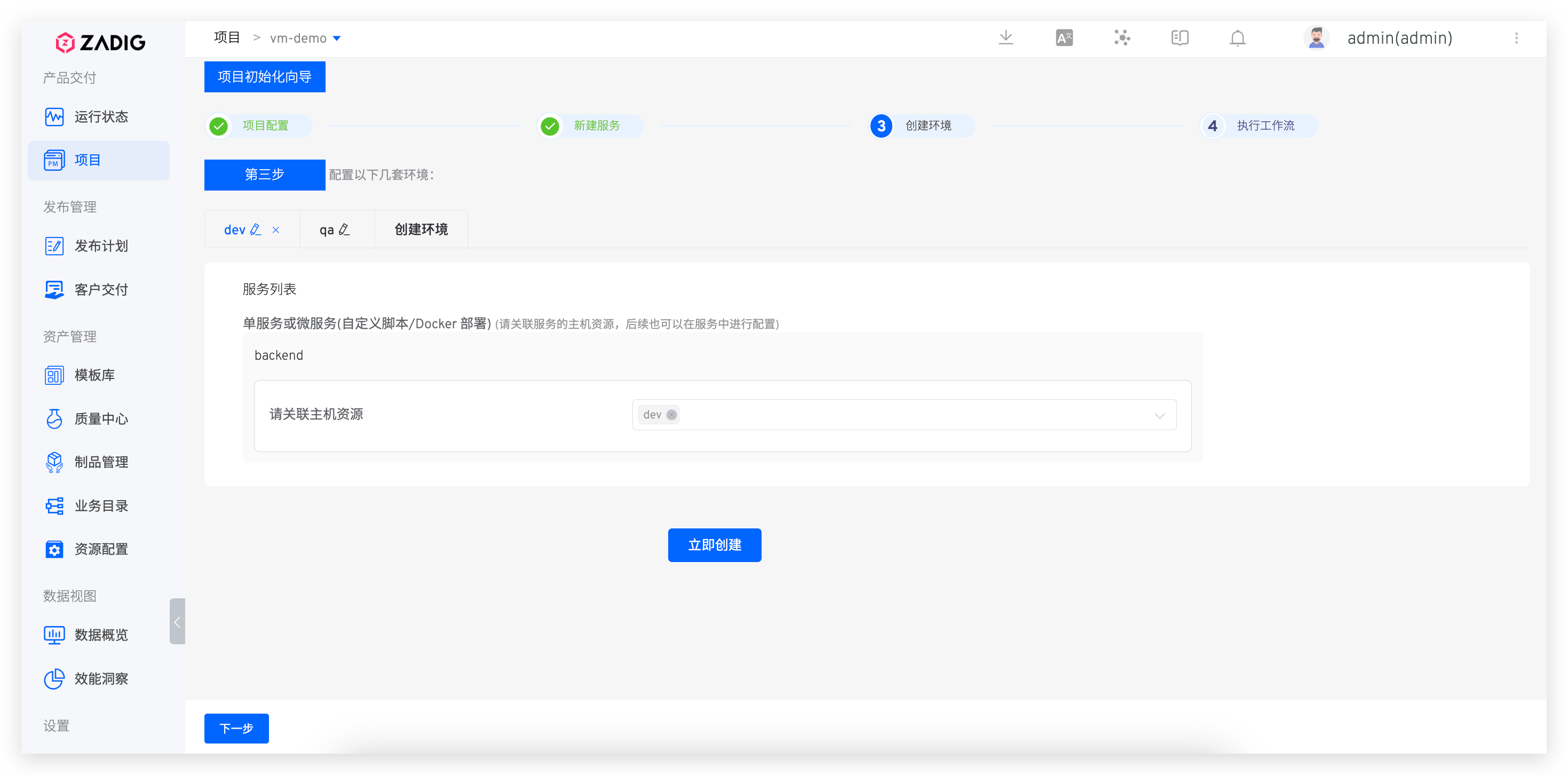
# Create Environment
Create an environment and associate it with host resources.
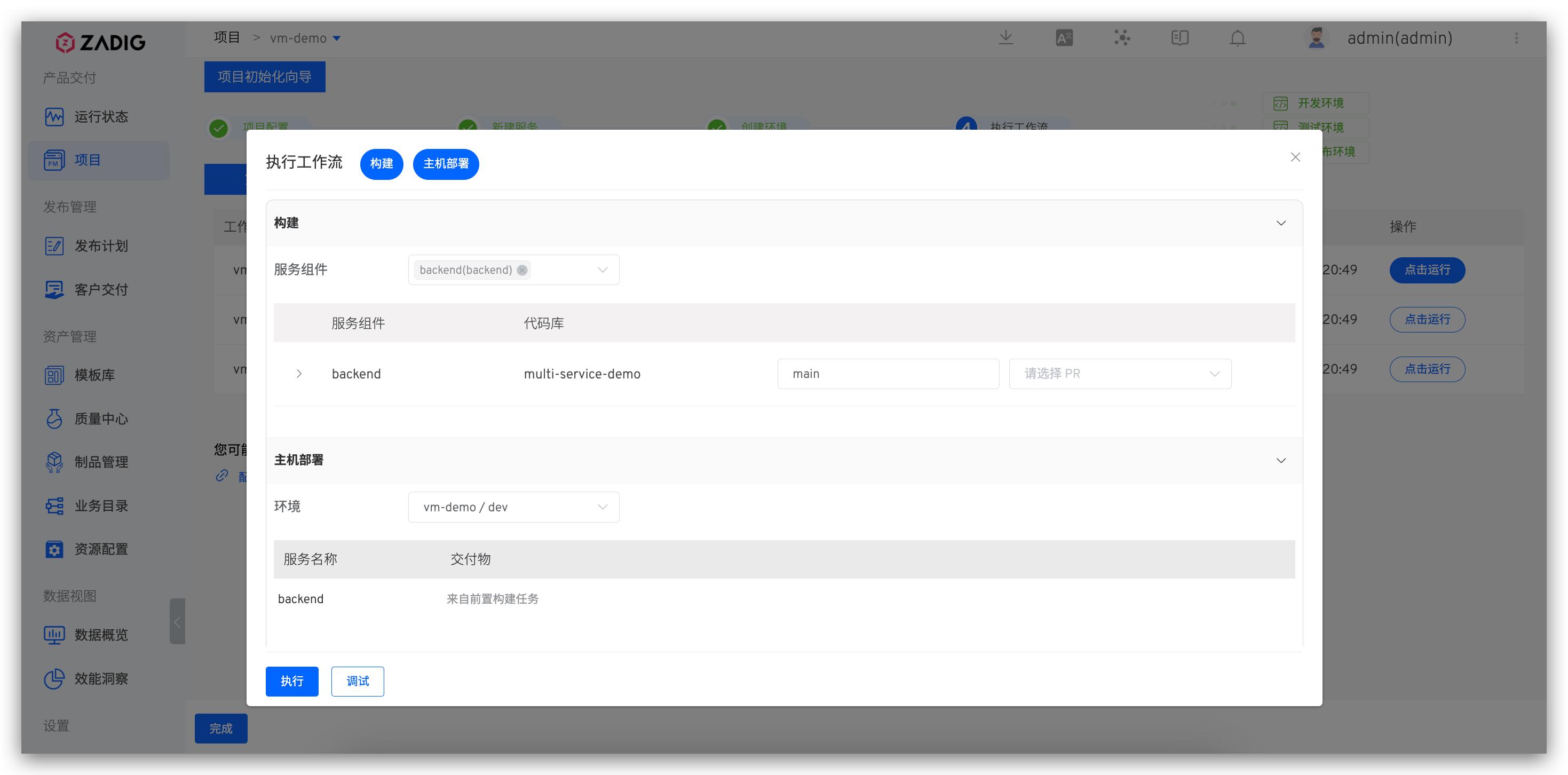
# Deploy via Workflow
Once environment and workflow are ready, click Next to select the dev environment workflow for service updates.